Blender cloud rendering for game developers and VR
Cinematics, baked lighting and asset turntables, rendered off your build machine. One fixed price per job, quoted from a test render of your own scene.
No account to create first, and no subscription. The test render is free whether or not you go ahead.
Rendering competes with building
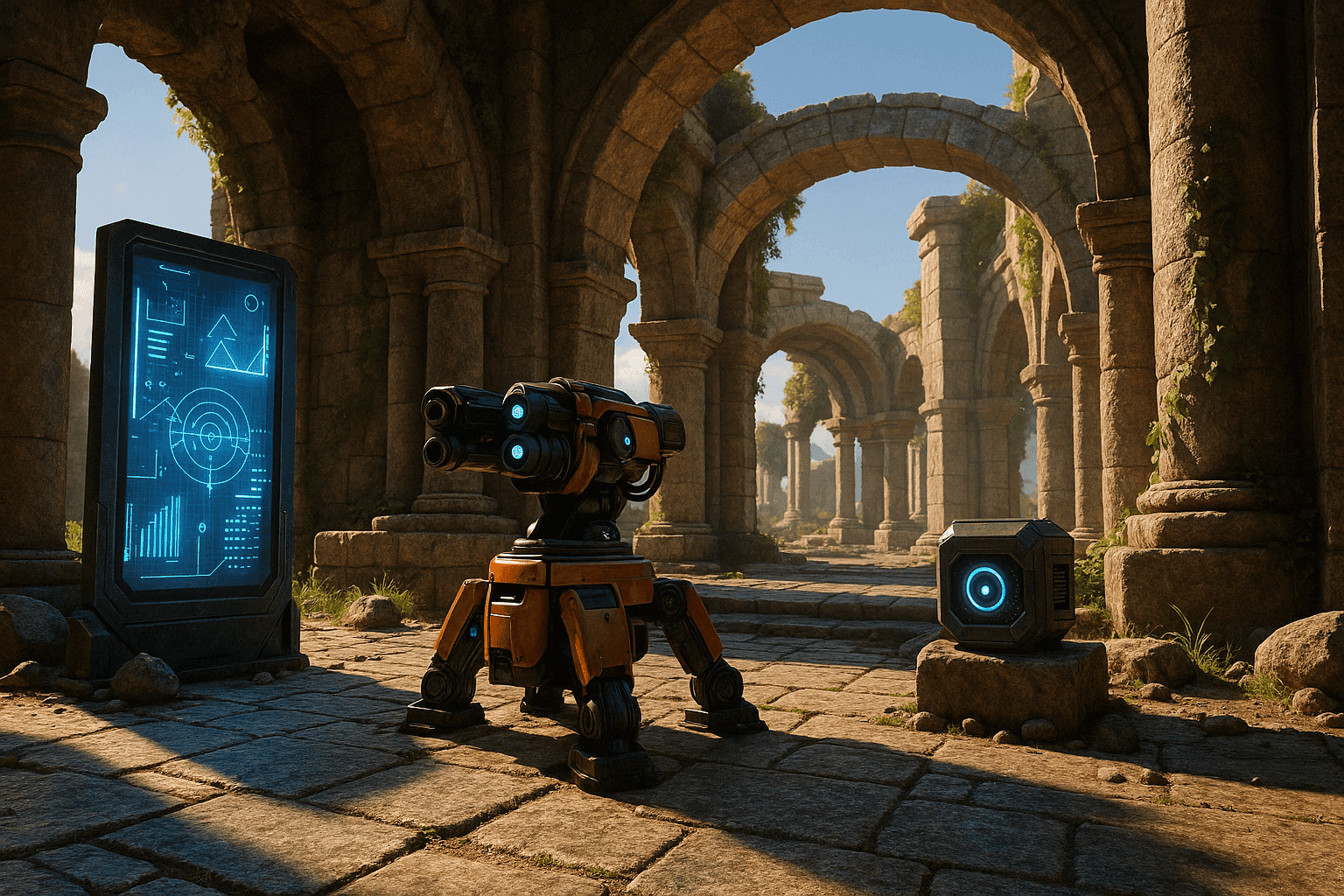
Cinematics and high-density asset passes want the same GPU your engine, your editor and your build are already using. Rendering locally means choosing which one waits.
VR raises the bar again: higher resolutions, stereo output, and lighting that has to hold up when someone turns their head rather than only from the camera you set.
Moving the render off the machine is less about raw speed than about not stopping. The build keeps running, and the frames come back at a number you agreed to before they started.
What you get, whatever you make
The service does not change by discipline. These four things are true of every job that comes through, including yours.
Frames render in parallel
Your job is split across many GPU workers instead of rendering frame by frame on one machine. The workers run on NVIDIA GPUs such as the RTX 5090, L40S and RTX PRO series, with 32 to 48 GB of VRAM per GPU.
A frame before a bill
We render real test frames of your own scene on our GPUs before you pay anything, so you check the camera, lighting and materials on our hardware rather than hoping. The test render is free whether or not you go ahead.
One price, fixed
No subscription and no credits to buy. You get one exact number before you commit, and it does not change even if the render takes us longer than we estimated.
Your machine stays yours
Nothing to install and nothing running locally. Upload a .blend or a .zip through the browser, up to 20 GB, and keep working while the farm renders.
How a job actually runs
The same five steps for every project, with the durations we actually measure. Nothing here is specific to your discipline, including the wait.
Upload .blend or .zip
We analyse itusually 1-2 min
We test-render and price it5 min
You pay the exact price, or you don't
We render, you download
The kinds of work that come through
Three shapes of game and VR job, and what changes when rendering stops competing with the build.
Game cinematics
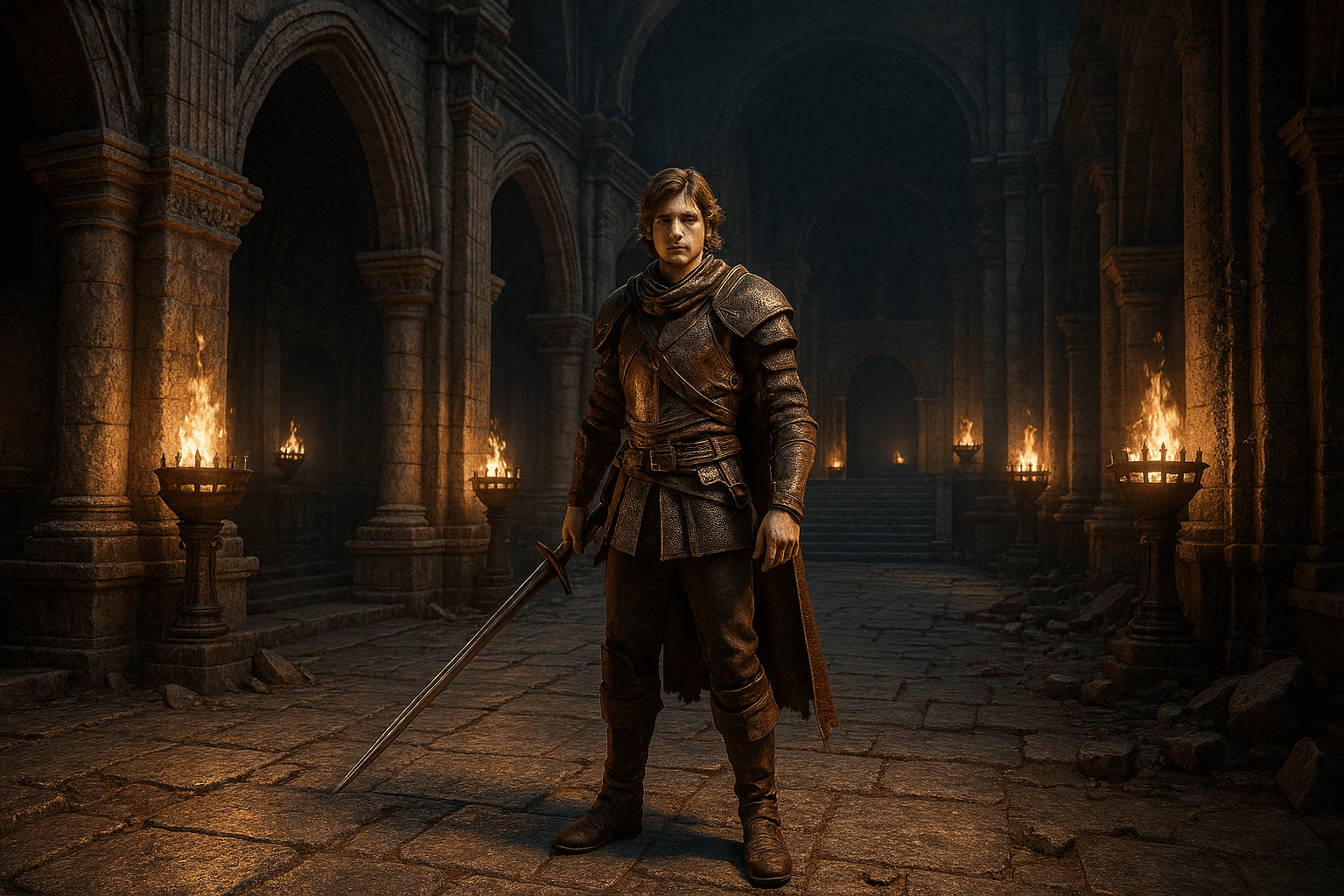
Cutscenes are ordinary animation work with a game-production schedule attached.
- Render 4K sequences across workers instead of overnight on the build machine
- Iterate on lighting and camera without giving up the GPU your engine wants
- One price for the sequence, quoted before the render starts
VR environments
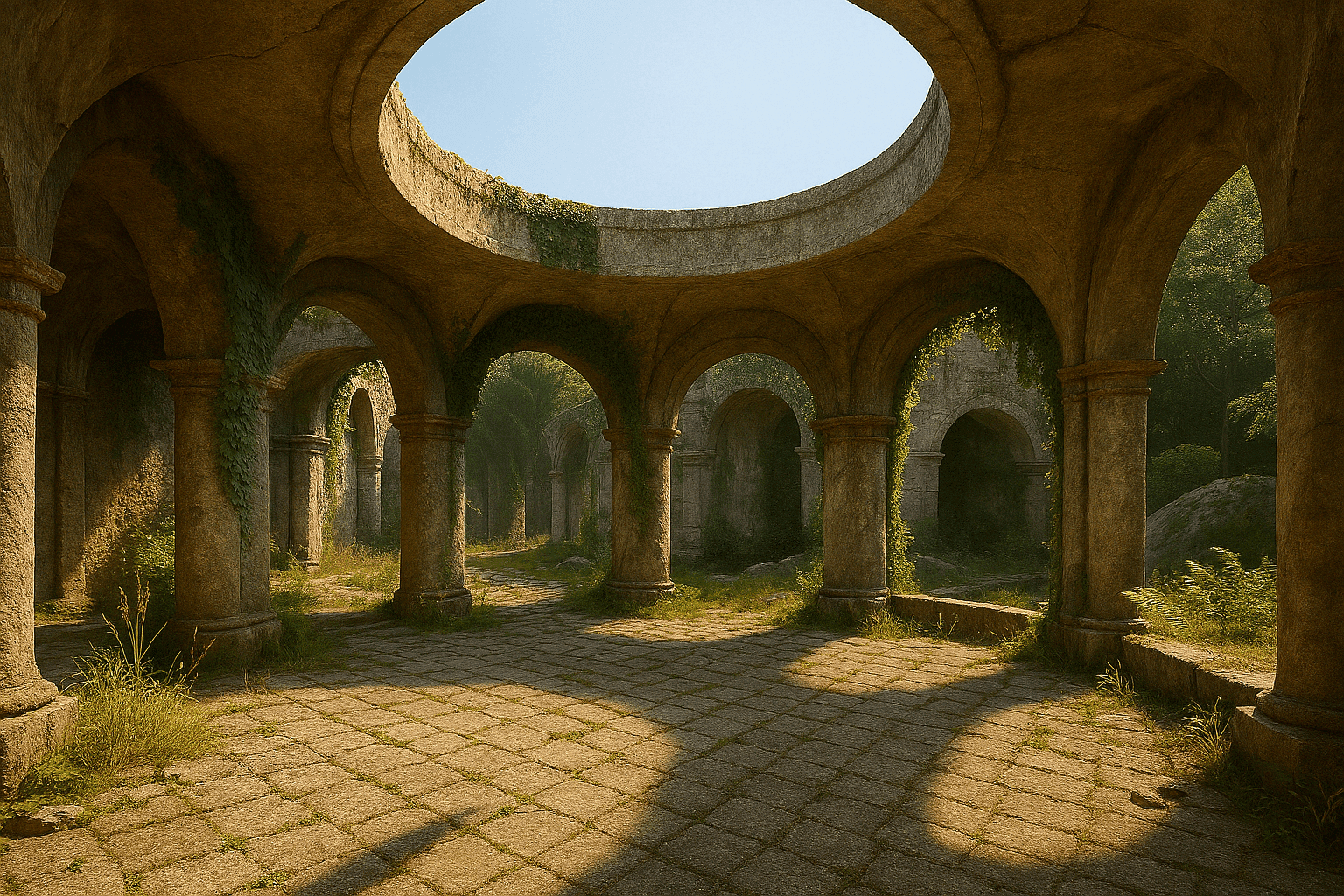
Baking lighting and reflections for a VR scene is a long, unattended job that does not need to run on your desk.
- Bake passes run on our hardware while the editor stays open on yours
- Uploads up to 20 GB per file for multi-layer environment scenes
- Cycles and EEVEE both available, so the bake matches the look you built

Asset passes and turntables
Characters, props and environment pieces, rendered for review, marketing or storefront art.
- Turntables and LOD variations render in parallel rather than in sequence
- High-density models render with up to 48 GB of VRAM per GPU
- Nothing to install: upload a .blend or .zip through the browser
Your workstation, or ours
Rendering
LocallyOne frame at a time on one machine
RenderDayFrames render in parallel across GPU workers
Hardware
LocallyA workstation to buy, run and replace
RenderDayNothing to buy. You pay per job
Your workstation
LocallyOccupied for the length of the render
RenderDayFree the whole time
What it costs
LocallyElectricity, depreciation and the next upgrade
RenderDayOne fixed price, quoted before you pay
Knowing the cost
LocallyEstimated from experience, if at all
RenderDayA test render of your scene, then an exact number
Find out what your scene costs
Send the file and we will render real test frames of it, then come back with one exact fixed price. If the number does not work, that is the end of it and it has cost you nothing.
Questions about file formats, refunds, security or Blender versions? Read the FAQ.