Blender cloud rendering for architects
Interiors, exteriors and walkthroughs render across many GPU workers instead of one workstation. You see a test frame of your own scene, and one fixed price, before you pay for any of it.
No account to create first, and no subscription. The test render is free whether or not you go ahead.
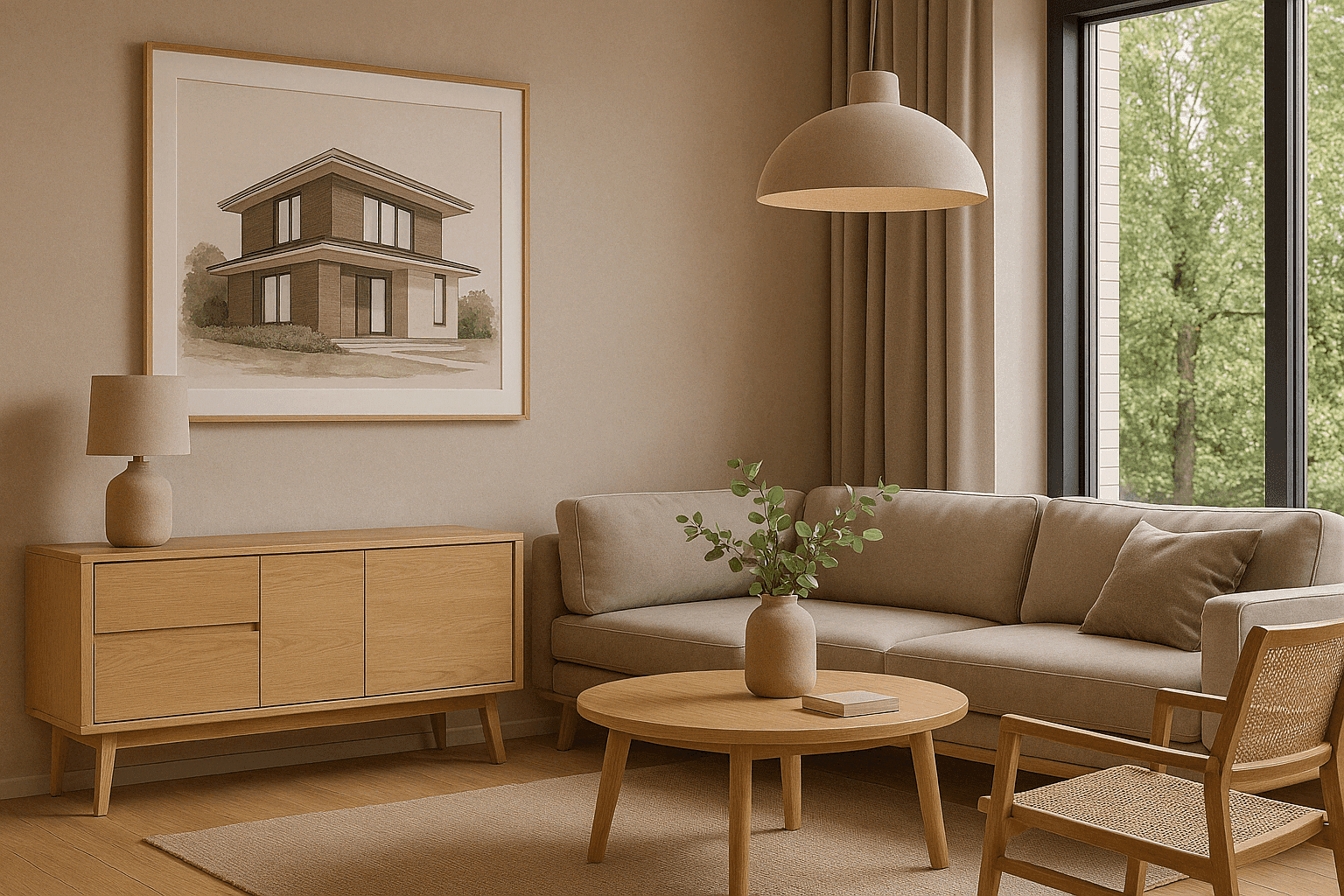
What makes ArchViz slow to render
A client-ready interior needs high sample counts, accurate materials, and light that has bounced enough times to behave like light. That is a great deal of computation for one image, and a walkthrough multiplies it by the frame count.
The expensive render is rarely the first one. It is the fourth, after the client moves a wall. Every revision starts the wait again, and the machine you would use to make the change is the machine that is busy.
Rendering somewhere else does not make the frames cheaper to compute. It makes them someone else’s machine to compute on, several at a time, while yours stays free for the next revision.
What you get, whatever you make
The service does not change by discipline. These four things are true of every job that comes through, including yours.
Frames render in parallel
Your job is split across many GPU workers instead of rendering frame by frame on one machine. The workers run on NVIDIA GPUs such as the RTX 5090, L40S and RTX PRO series, with 32 to 48 GB of VRAM per GPU.
A frame before a bill
We render real test frames of your own scene on our GPUs before you pay anything, so you check the camera, lighting and materials on our hardware rather than hoping. The test render is free whether or not you go ahead.
One price, fixed
No subscription and no credits to buy. You get one exact number before you commit, and it does not change even if the render takes us longer than we estimated.
Your machine stays yours
Nothing to install and nothing running locally. Upload a .blend or a .zip through the browser, up to 20 GB, and keep working while the farm renders.
How a job actually runs
The same five steps for every project, with the durations we actually measure. Nothing here is specific to your discipline, including the wait.
Upload .blend or .zip
We analyse itusually 1-2 min
We test-render and price it5 min
You pay the exact price, or you don't
We render, you download
The kinds of work that come through
Three shapes of ArchViz job, and what changes when the frames render somewhere other than your desk.
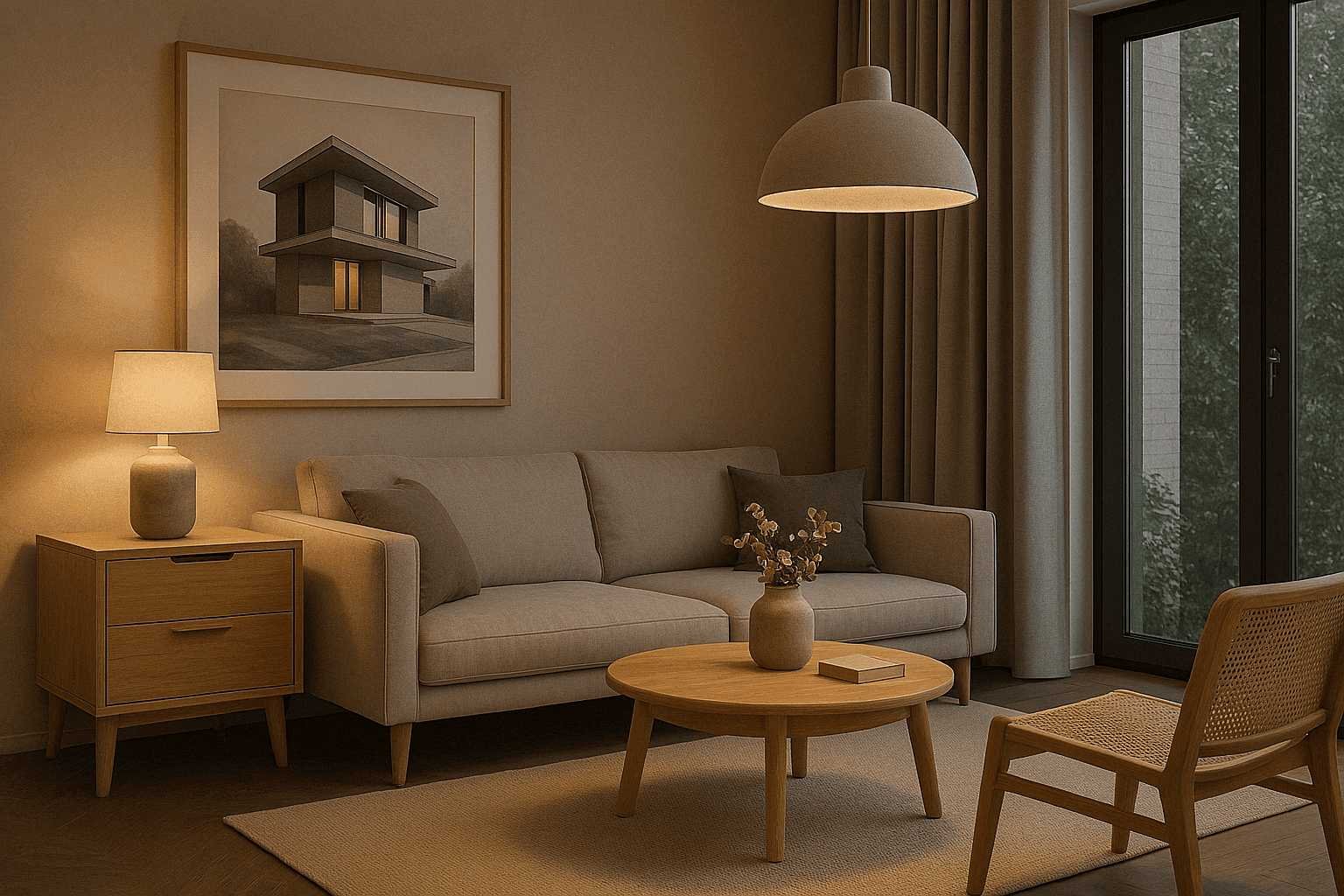
Interior visualisation
Interiors are the sample-hungry case: glass, mirrors, soft daylight and materials that only resolve at high sample counts.
- Render at the sample count the materials actually need, and see what that costs before you buy it
- Put several lighting scenarios through at once rather than one after another
- Keep the workstation free for the model while the images render
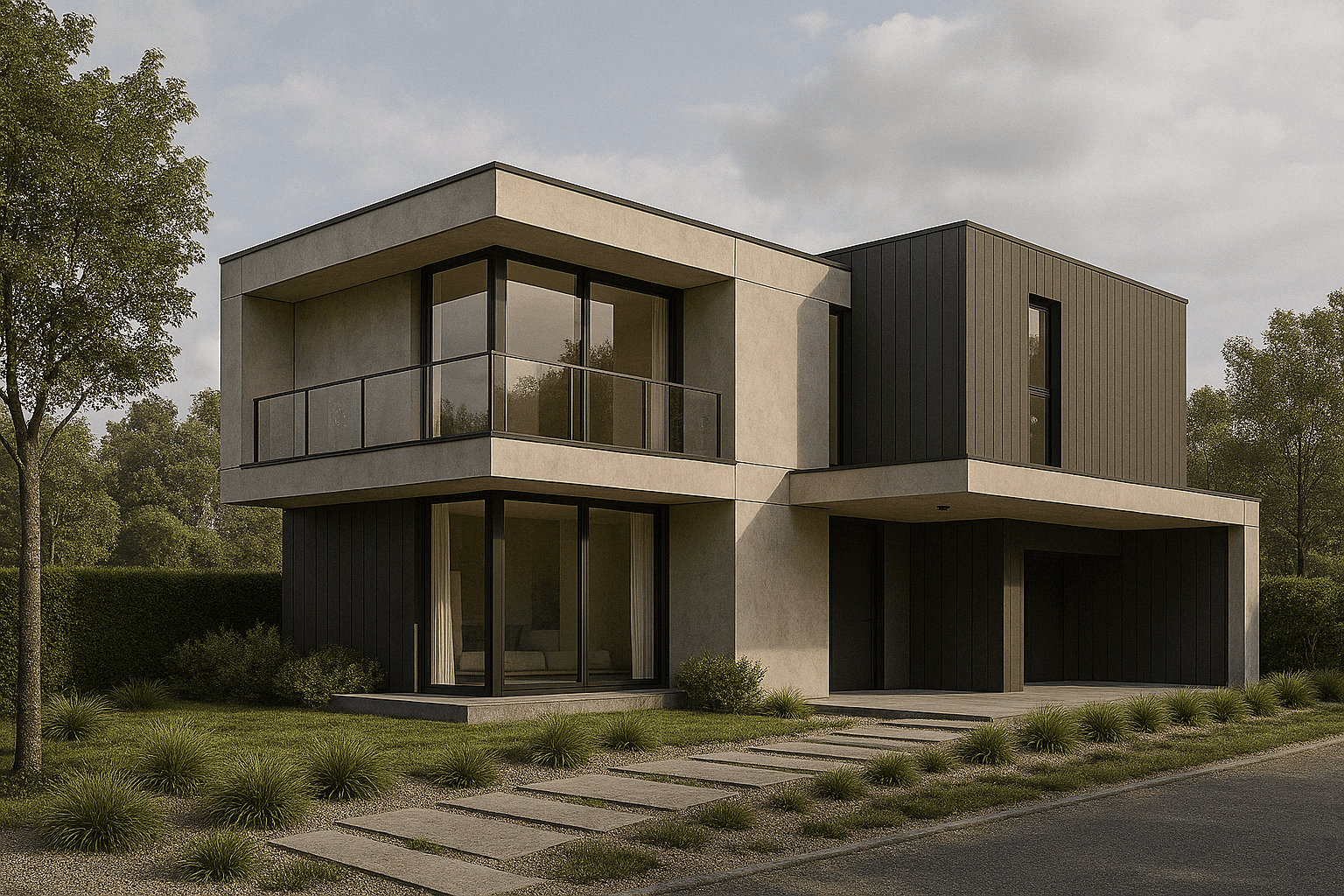
Exterior visualisation
Exteriors trade lighting complexity for geometry: vegetation, context buildings and site detail that make the file large before anything is rendered.
- Uploads up to 20 GB per file, so a heavy site model does not have to be stripped down first
- Render several views and times of day in parallel
- Output at print and marketing resolutions, up to 7680 × 4320
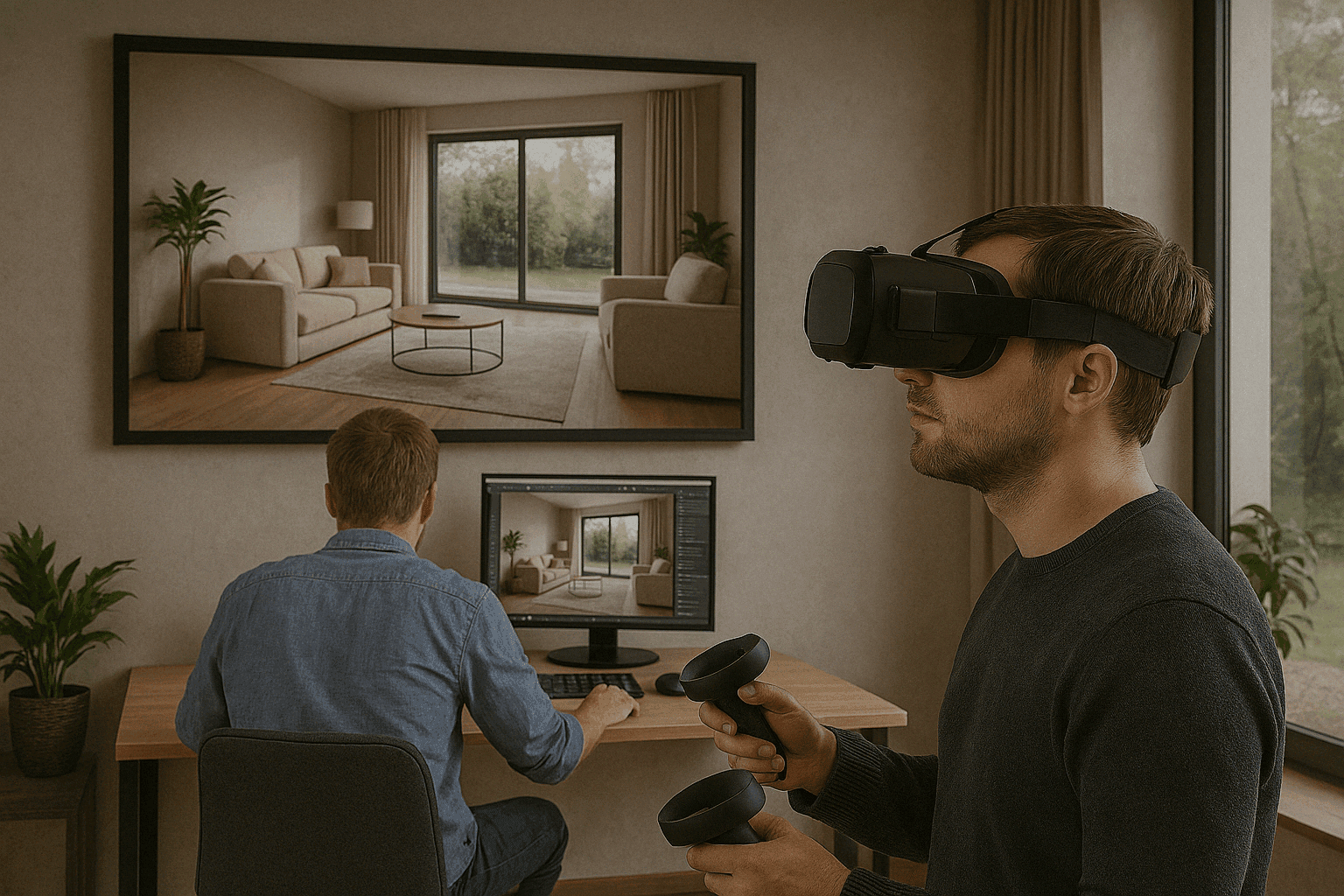
Walkthroughs and VR
A walkthrough is where frame count starts to decide the schedule. Hundreds of frames on one machine is measured in days.
- Frames are split across many workers, so wall clock stops tracking frame count so closely
- Preview frames arrive while the job runs, so a camera mistake surfaces early
- One fixed price for the whole sequence, quoted before it starts
Your workstation, or ours
Rendering
LocallyOne frame at a time on one machine
RenderDayFrames render in parallel across GPU workers
Hardware
LocallyA workstation to buy, run and replace
RenderDayNothing to buy. You pay per job
Your workstation
LocallyOccupied for the length of the render
RenderDayFree the whole time
What it costs
LocallyElectricity, depreciation and the next upgrade
RenderDayOne fixed price, quoted before you pay
Knowing the cost
LocallyEstimated from experience, if at all
RenderDayA test render of your scene, then an exact number
Find out what your scene costs
Send the file and we will render real test frames of it, then come back with one exact fixed price. If the number does not work, that is the end of it and it has cost you nothing.
Questions about file formats, refunds, security or Blender versions? Read the FAQ.